Seven tools. One workflow.
AI tools for every stage of the design process—concept, render, 3D models and worlds, board, documents, an Agent, and Projects that tie them together—in one connected workflow.
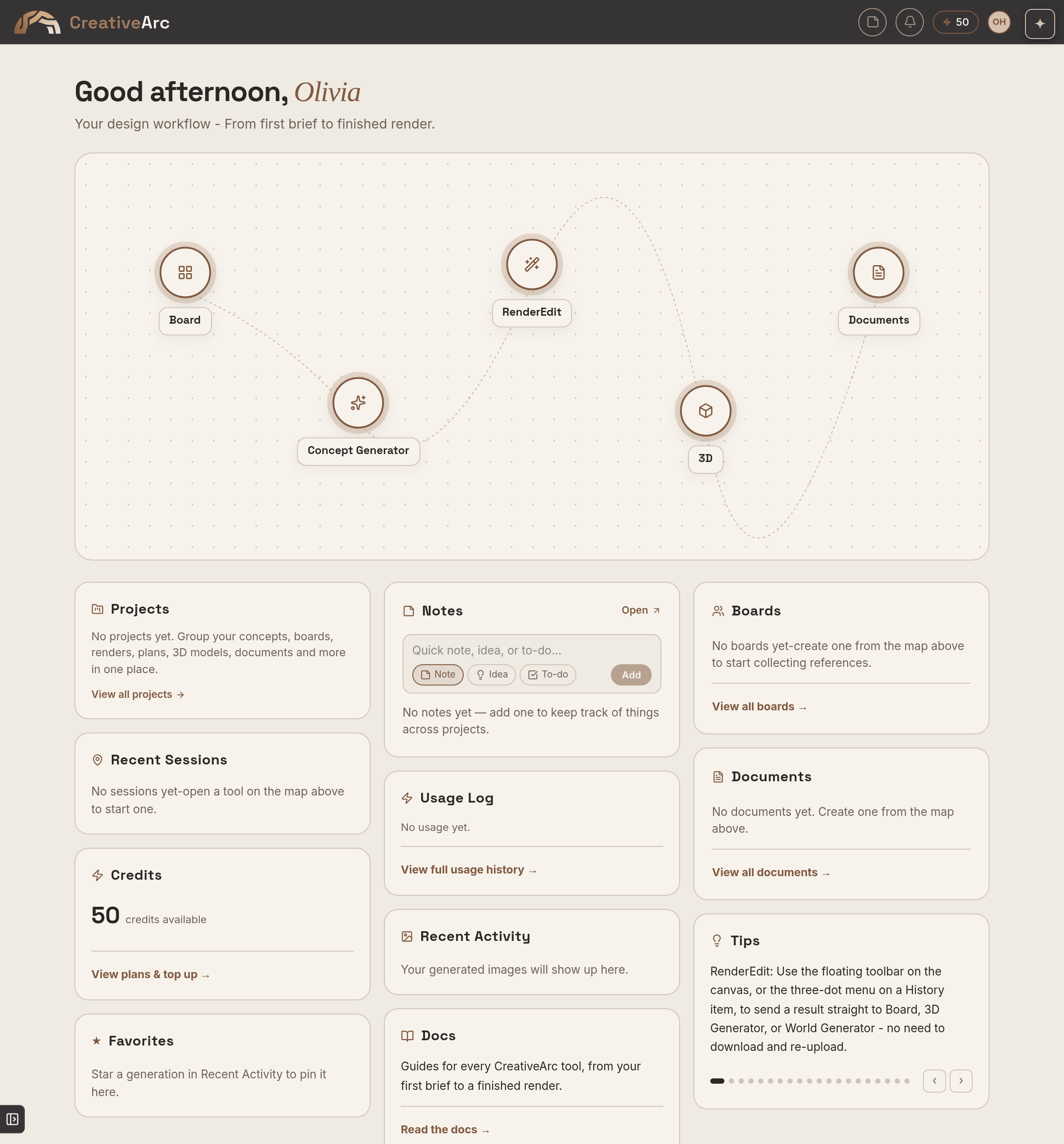
Concept Generator
Turn a brief into a visual direction.
Explore distinct interior and exterior design directions from your project brief, then develop the one that works through material, colour, space and furniture studies.
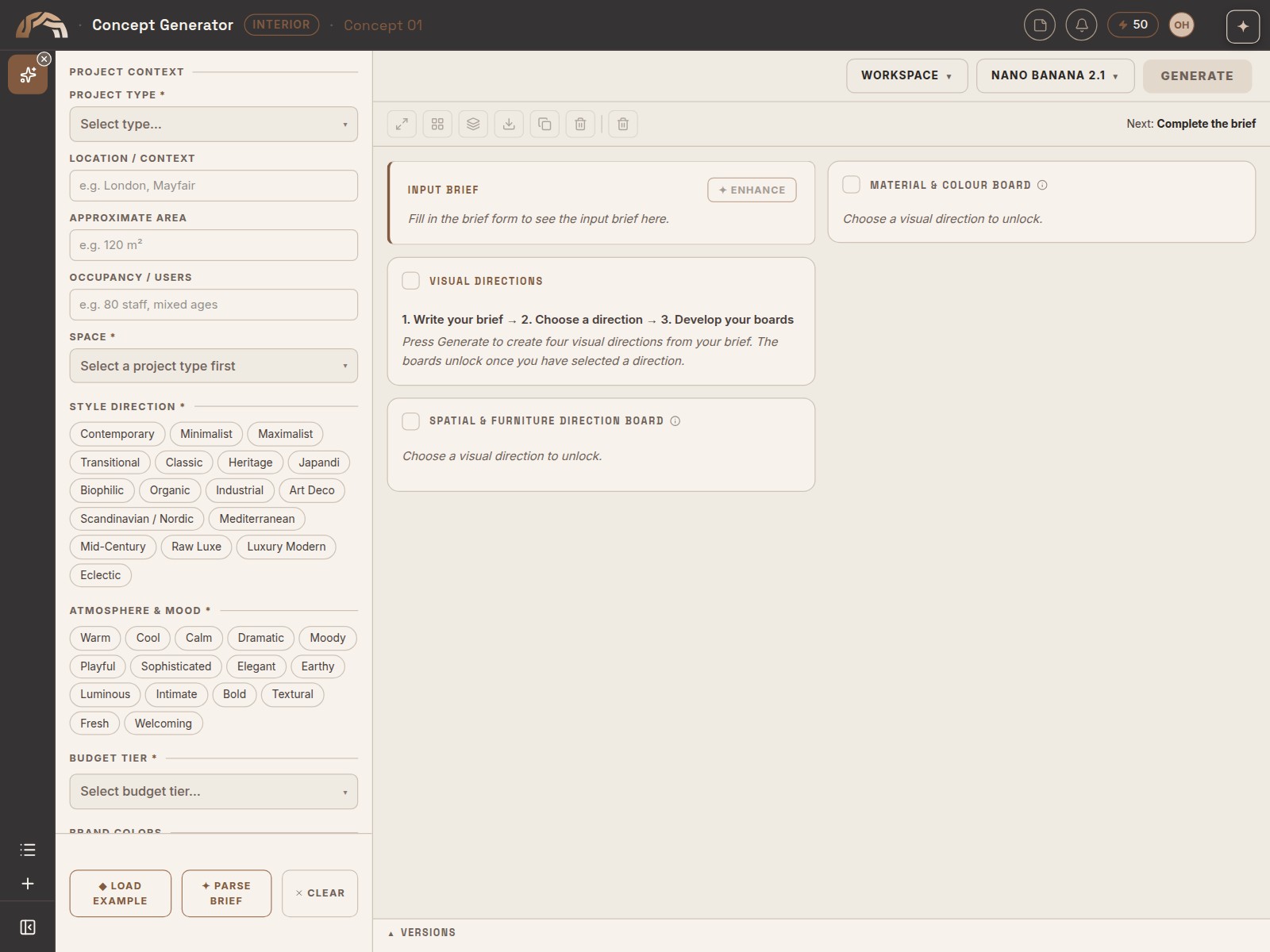
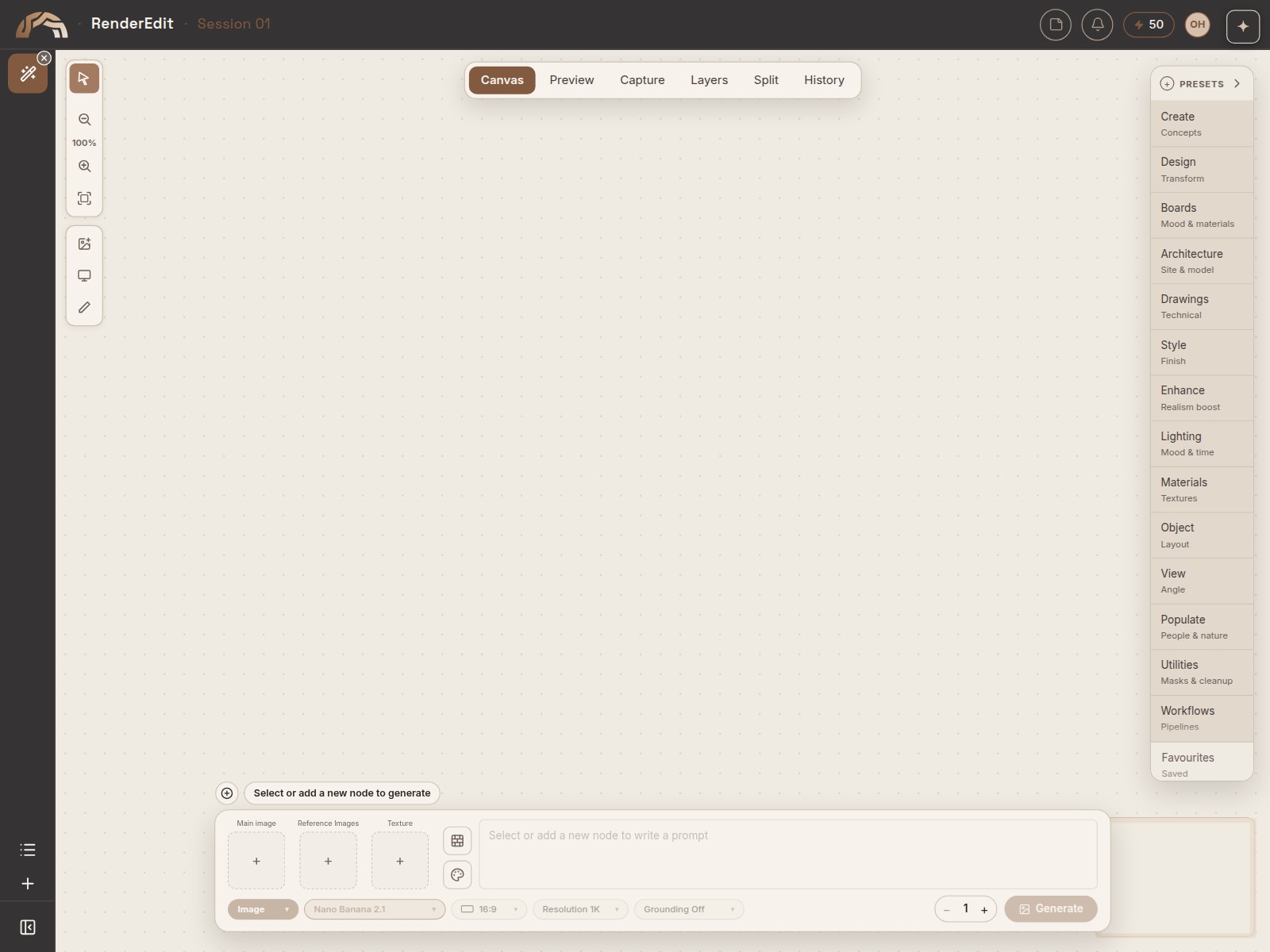
RenderEdit
Take the visual further.
Generate, edit and refine imagery in one workspace — from materials and lighting to targeted changes, enhancement and final output.
3D
Create models. Explore worlds.
One home for textured 3D models, explorable worlds and scenes. Choose a workflow, then return to all your 3D work in one library.
Generate a textured object from images or text, then inspect, refine and download it.
Transform images, panoramas, video or text into explorable environments.
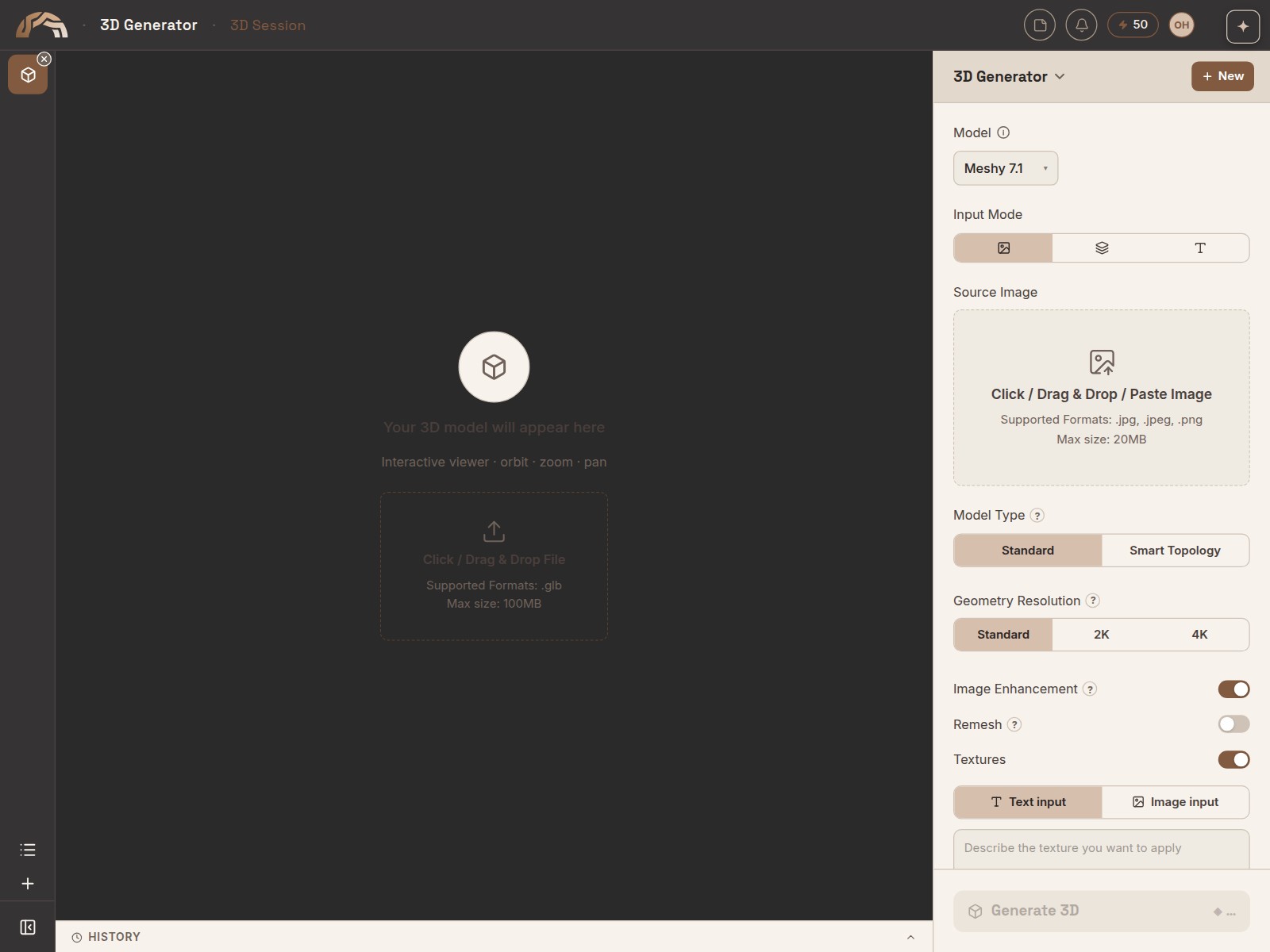
3D Model
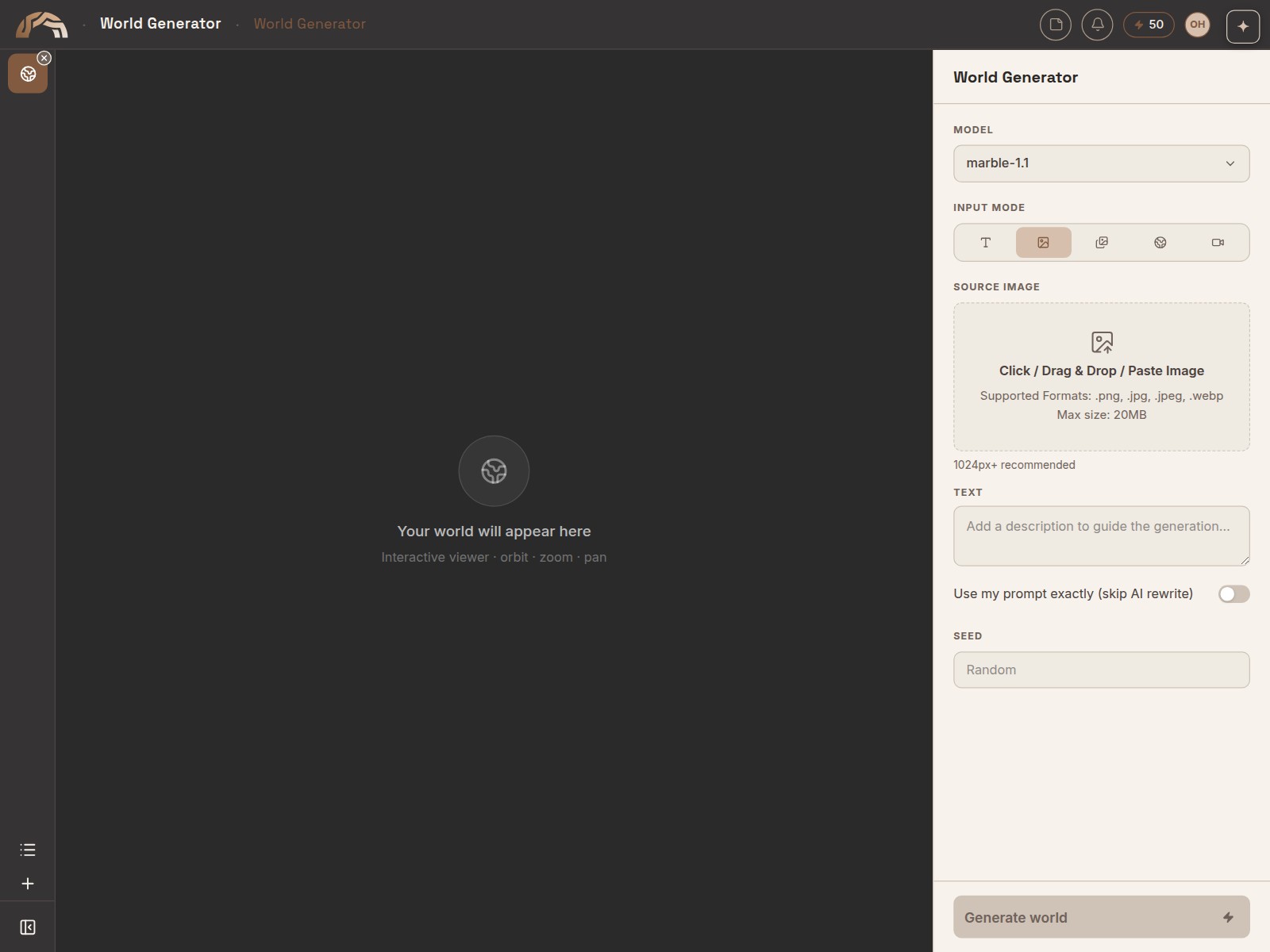
World
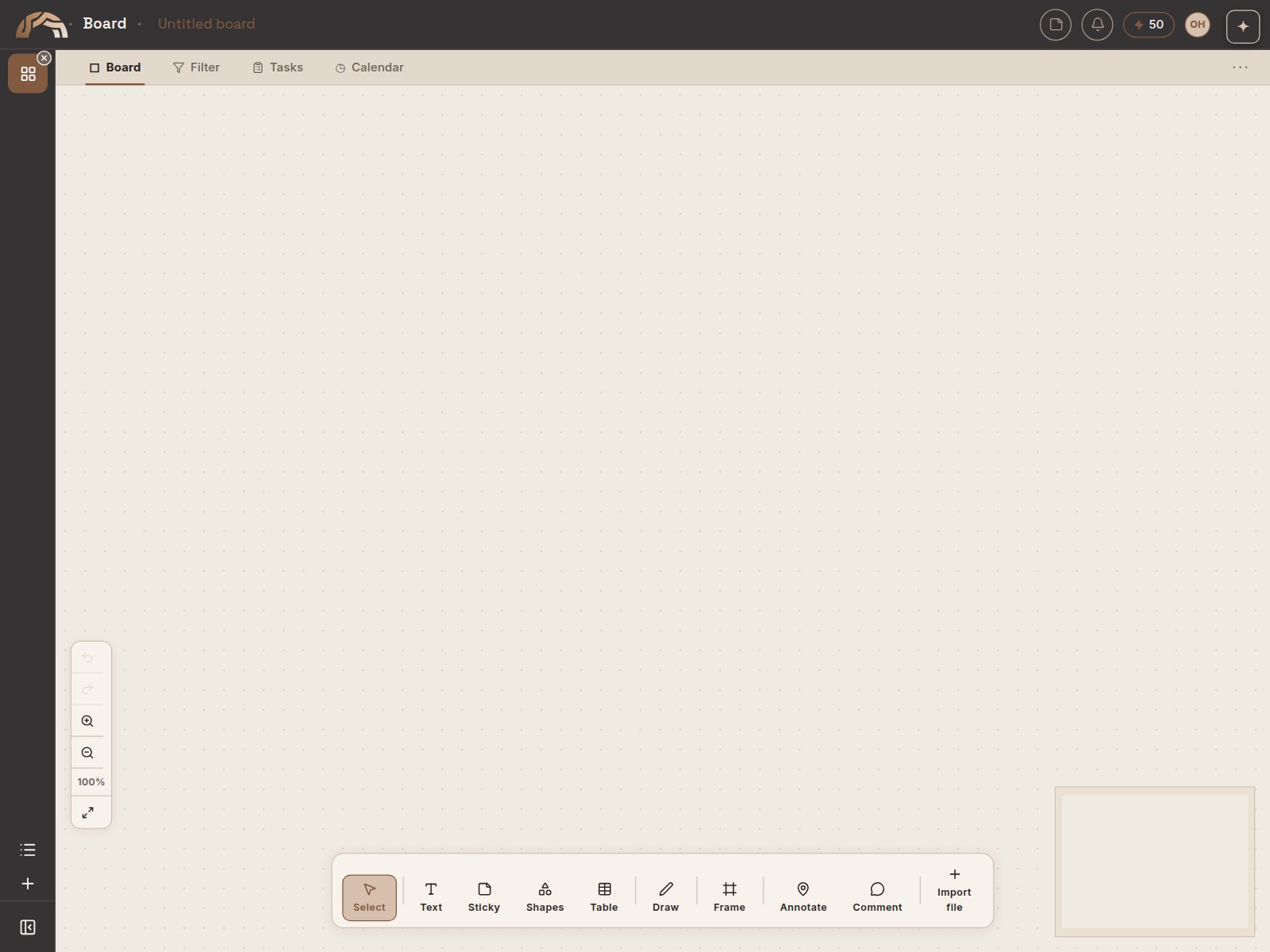
Board
Give every idea a place.
Bring references, images, notes and tasks together on an infinite canvas — then connect them as the project develops.
Documents
Turn the work into a story.
Create, refine, and present polished documents and interactive decks, ready to share with clients or teams.
Create brand-styled documents from scratch, or import an existing deck and use Document Editor to apply your brand's fonts, colours, and imagery.
Build AI-guided interactive slide decks with clickable navigation and audience-adaptive content.
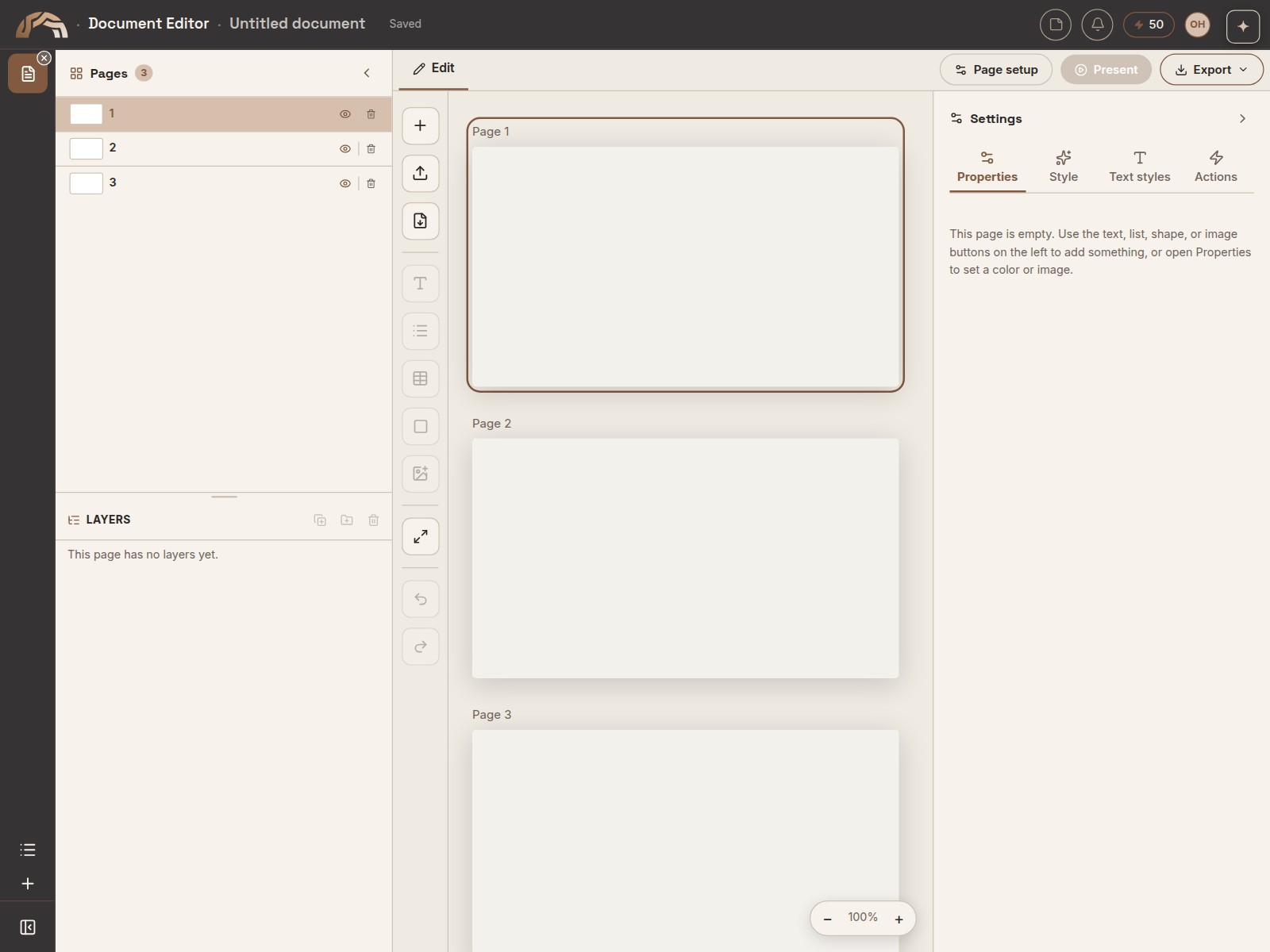
Document Editor
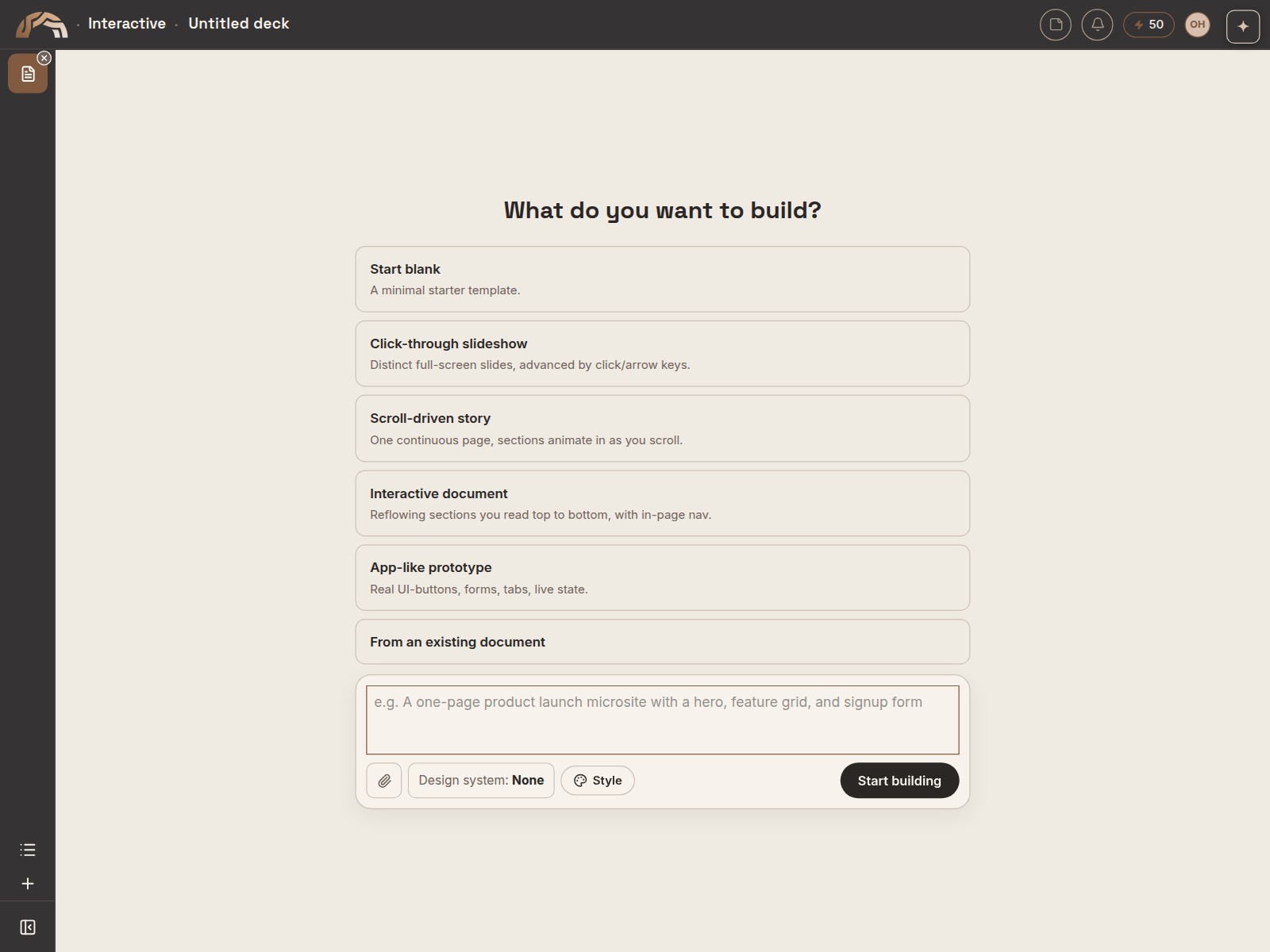
Interactive
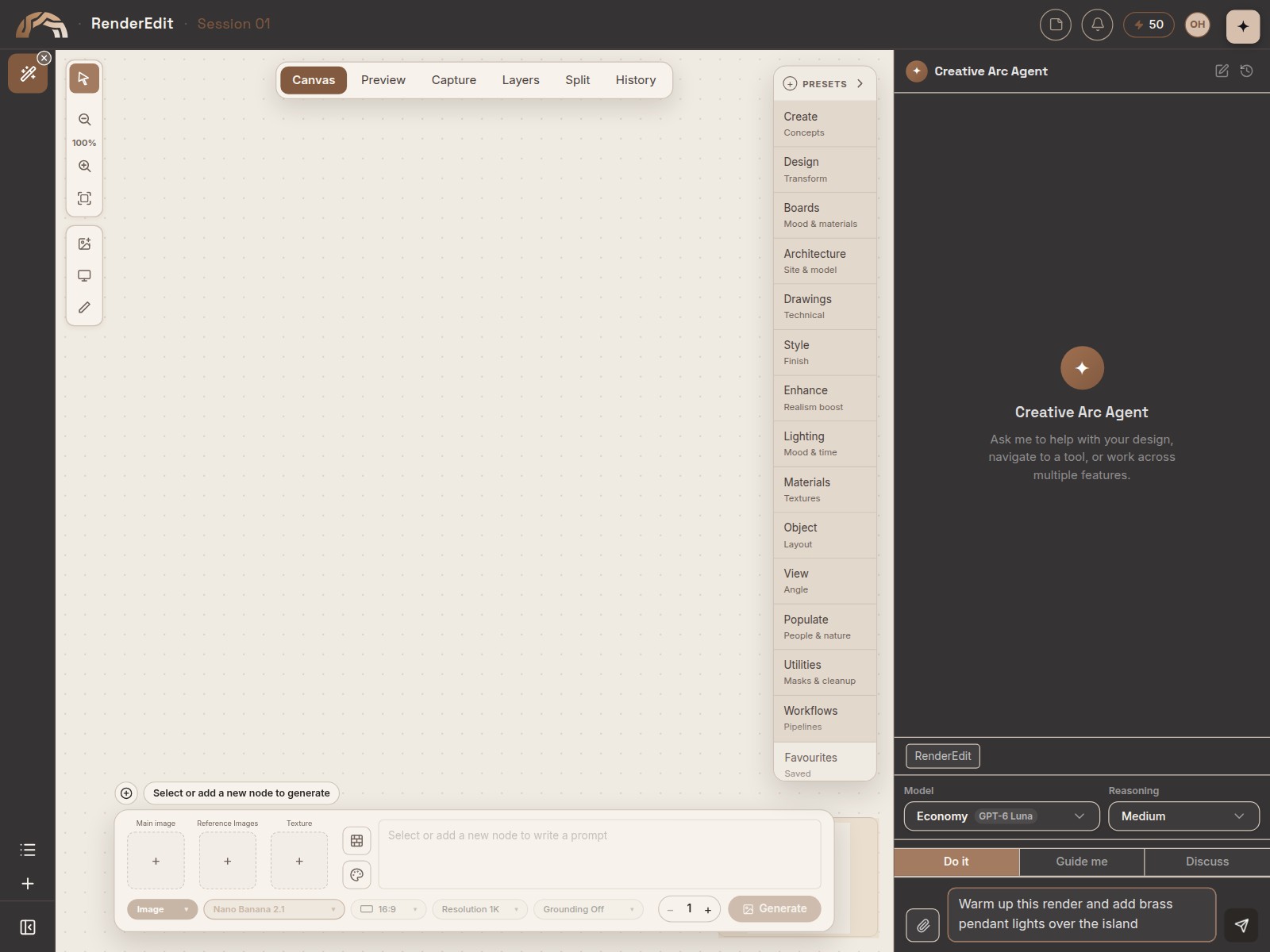
Agent
Hand it the work.
Ask the Agent to make changes across CreativeArc for you, or have it guide you through a tool step by step. It works in whichever tool you have open.
Projects
Keep each job together.
Group the concepts, renders, boards, 3D models, worlds and documents for a job into one project. Projects only group your work: nothing is moved or shared.
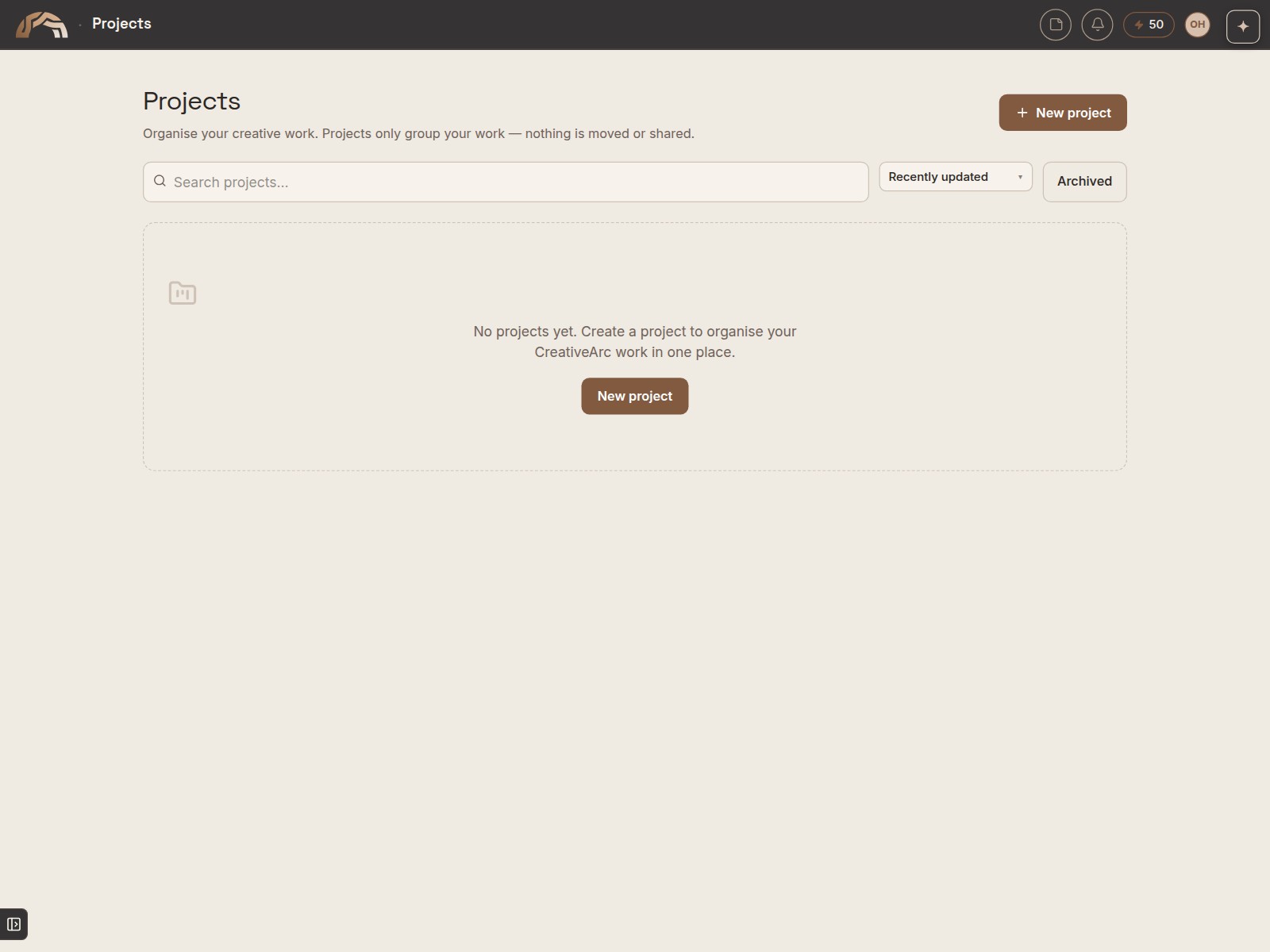
Start your first project today.
50 free credits. Subscribe when you're ready. Keep every render you make.